
Faces libraries
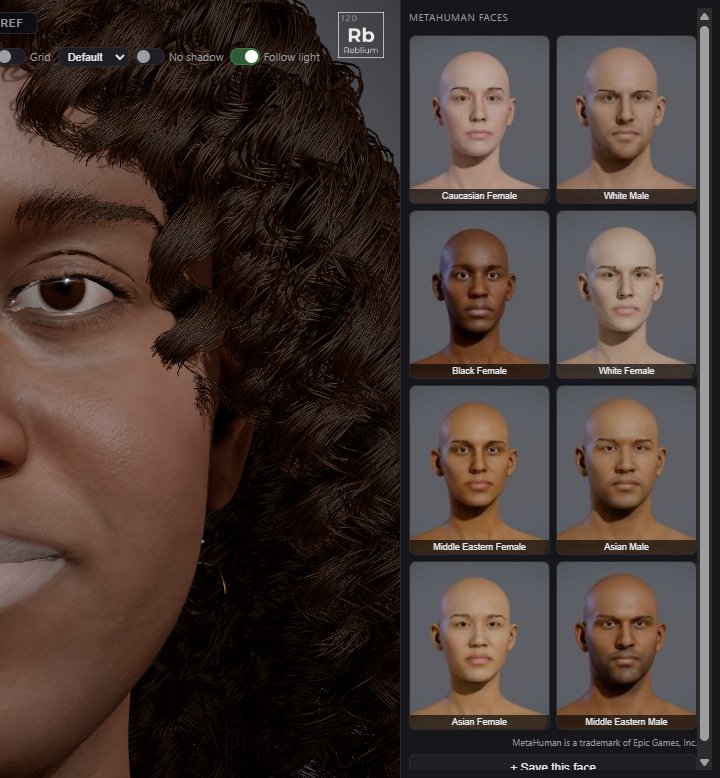
The right panel of the Head tab keeps faces. On the GNM head it is GNM faces; on a MetaHuman it is MetaHuman faces. A click puts a face on your character and leaves the rest of the look as it is.
WhereHead tab, right panelSave+ Save this face, under the gridDraga face into a Face Mixer slot
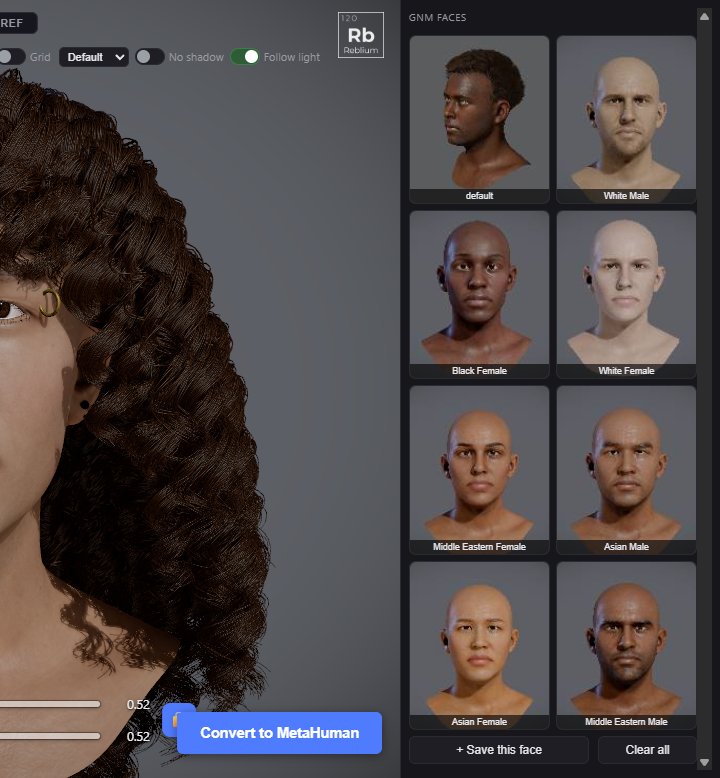
GNM faces
| Control | What it does |
|---|---|
| A face | A click loads the face only: your makeup, hair and the rest stay. Double click to rename it. |
| Default | The first face. ★ makes the face on screen the default. |
| × | Forgets a saved face. Press it twice. Faces that ship with the studio have none. |
| + Save this face | Stores the face on screen and its voice, with a picture. |
| Clear all | Forgets every saved face. The default is not touched. |
MetaHuman faces
On a MetaHuman the library lists example faces, each shown as it looks on its MetaHuman, then your own saved faces. A click puts that face on the MetaHuman: it is converted behind the Converting to MetaHuman window, the same way as Convert to MetaHuman.
Into the mixer
Drag any face into slot A or B of the Face Mixer at the top of the Head tab, or click a slot and then a face. See Face mixers.
NoteSaved faces are kept in this browser.