
Light
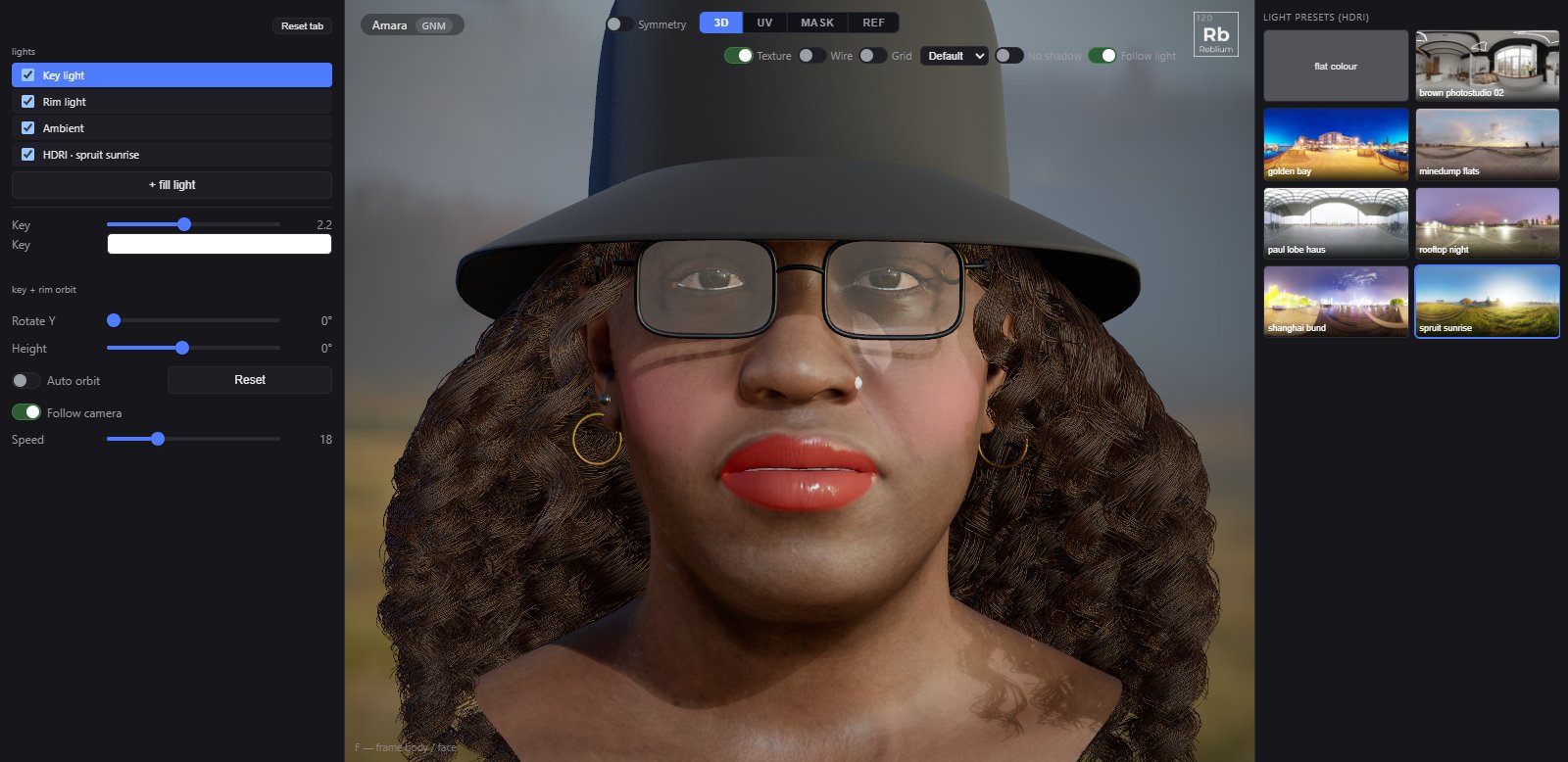
Light is set up for faces from the start: a warm key and a cool rim that orbit together, an ambient fill, and an HDRI environment from the right panel when you want one.
TabLightLightsKey light, Rim light, Ambient, HDRI, + fill lightEnvironmentslight presets (HDRI), in the right panelShadows and qualitythe Settings tab
The lights
The lights list holds every light on the head. Click one to set it; its box switches it off and keeps its settings.
| Control | What it does |
|---|---|
| Key light | The main light, warm, casting the shadow. Its strength (2.2 by default) and colour. |
| Rim light | A cool light from behind that draws the edge of the face. Its strength and colour. |
| Ambient | The fill from all around, and the background and ground colours. × removes it; + ambient brings it back. |
| HDRI | Shown when an environment is on: HDR intensity, blur bg, rotate bg, and Light only, keep flat backdrop. Pick another in the right panel. |
| + fill light | Up to three extra lights, with colour, intensity and direction. Fill lights cast no shadow. |
key + rim orbit
| Control | What it does |
|---|---|
| Rotate Y, Height | Turns the key and rim together round the head, and raises or lowers them. |
| Auto orbit, Speed | Turns them by themselves, at this speed. |
| Reset | Puts the orbit back. |
| Follow camera | On (the default): the light rig turns with the camera, so the face is lit from your point of view wherever you orbit. Off: the lights stay fixed in the scene. |
Environments
The right panel lists the HDRI environments, and flat colour for a plain backdrop. An environment lights the character from all around and shows in the eyes.
NoteShadows, soft shadow and ambient occlusion are on the Settings tab. No shadow over the view gives an even light for a moment, and puts yours back when you switch it off.
Common problems
| What you see | Why | What to do |
|---|---|---|
| The face is lit from behind when I orbit | Follow camera is off. | Switch on Follow camera, or Follow light over the view. |
| The eyes look dead under an HDRI | The cornea does not reflect the environment. | Eye tab, cornea: switch on reflect env. |
| The backdrop is too busy | The HDRI shows behind the head. | Tick Light only, keep flat backdrop, or raise blur bg. |