
Generator Beta
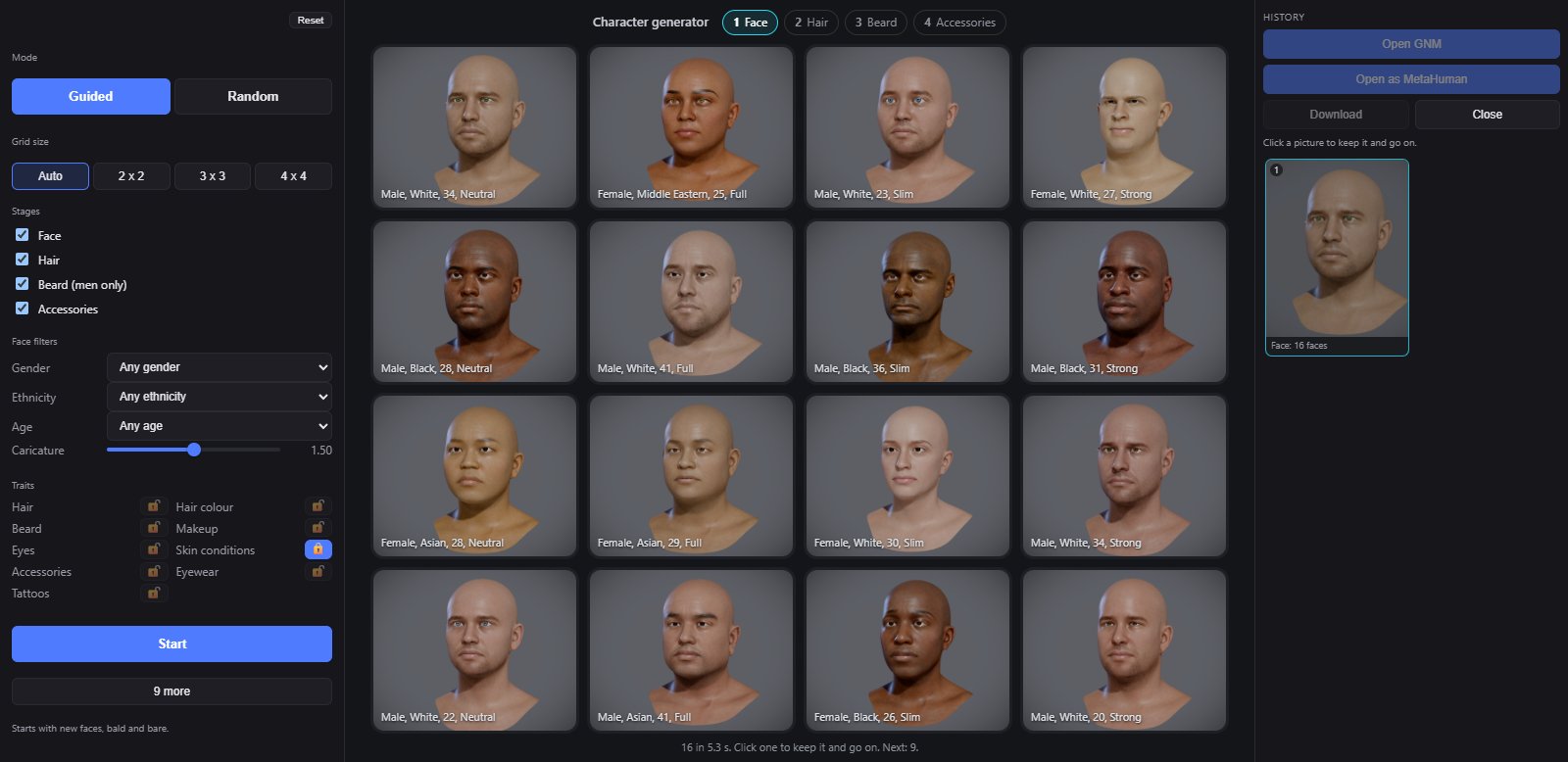
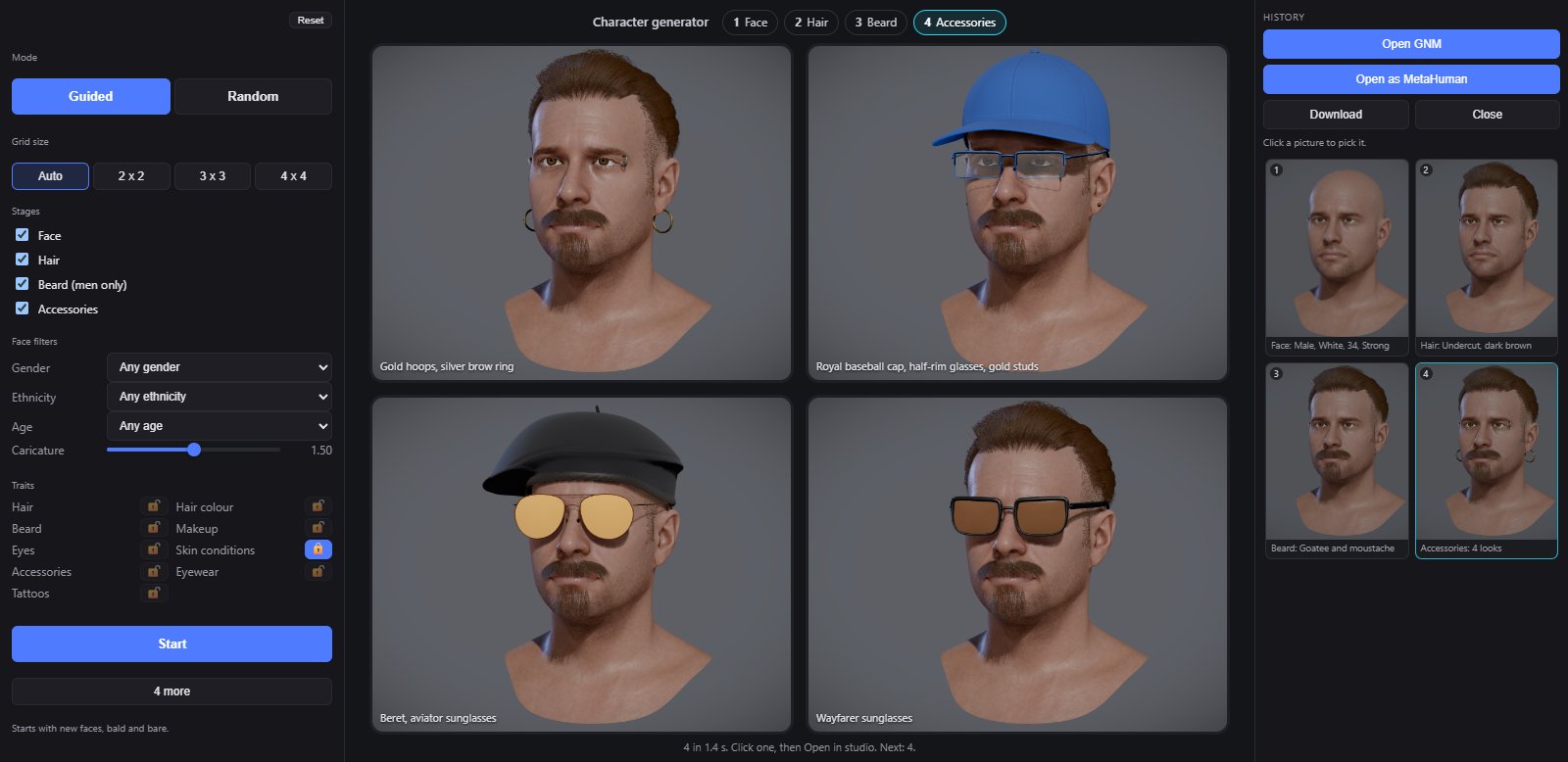
The Generator is the fastest way to a character. You pick from a grid of pictures, one stage at a time: a face, then its hair, its beard and its accessories. Then you take it into the studio, on the GNM head or as a MetaHuman.
BetaThe Generator is a beta feature. Without access its tab still opens and shows the real panel, dimmed and locked, with a card over the view: sign in, say in one line what you would use it for, and press Request early access. See Beta features.
TabGenerator, the first tab; the studio opens on itHeadthe GNM head; hidden while a MetaHuman is openRightHistory, with Open GNM and Open as MetaHuman
Usage
- Open Generator. Set the face filters if you want: Gender, Ethnicity, Age.
- Press Start. A grid of new faces appears.
- Click a picture to keep it and go on to the next stage: Hair, then Beard (men only), then Accessories.
- Not there yet? N more makes a new grid for this stage. Hover a picture for More like this.
- When you like it, press Open GNM or Open as MetaHuman, on a picture or in the History panel.
The left panel
| Control | What it does |
|---|---|
| Reset | Settings back to their defaults and a fresh start. The padlocks stay. |
| Mode | Guided: face, then hair, beard and accessories, a grid at each stage. Random: every picture a whole new character. |
| Grid size | Auto starts with 4 x 4 and goes down with every grid to 3 x 3, then 2 x 2. Or keep one size. |
| Stages | Face, Hair, Beard (men only), Accessories. Untick a stage to pass it. |
| Face filters | Gender, Ethnicity and Age (18 to 30, 30 to 45, 45 to 70), and Caricature: how far faces stray from the average. |
| Traits | A padlock per part of the look: Hair, Hair colour, Beard, Makeup, Eyes, Skin conditions, Accessories, Eyewear, Tattoos. A shut padlock keeps that part as it is. |
| Start | Opens the generator at the first ticked stage. In Random it reads Generate. |
| N more | A new grid for this stage. |
On a picture
- A click keeps it and goes on.
- More like this: a new grid like it. On a face, the same person with small changes; on hair, hairstyles like it in the same colour family; on a beard, the same family; on accessories, the same kinds.
- Refine in Random mode takes that character into the stages.
- Open GNM (top left) and Open as MetaHuman (top right) take it into the studio. A man goes onto Taro, a woman onto Ada.
History
The right panel keeps every grid you were shown, each with a picture and a caption like Hair: Pixie, brown. Click one to go back to that moment and go on from there. Download saves a large portrait of the character as a PNG. Close clears the generator and its history (Esc).
TipAfter Open GNM, one Ctrl+Z on the Head tab puts back the character you had.